
Using a Self-Service Kiosk in Korea for the First Time
Learning how to use self-service kiosks in Korea can help international visitors order food, make payments, and collect purchases with greater confidence. These machines can handle tasks such as selecting items, placing an order, taking payment, issuing a receipt, or directing a customer to a pickup point.
The unfamiliar parts are often the language controls, payment prompts, optional add-ons, and order confirmation process. Interfaces and available services vary by machine and venue, so the safest approach is to read each screen carefully and ask staff for help when a choice is unclear.
What a Self-Service Kiosk Is
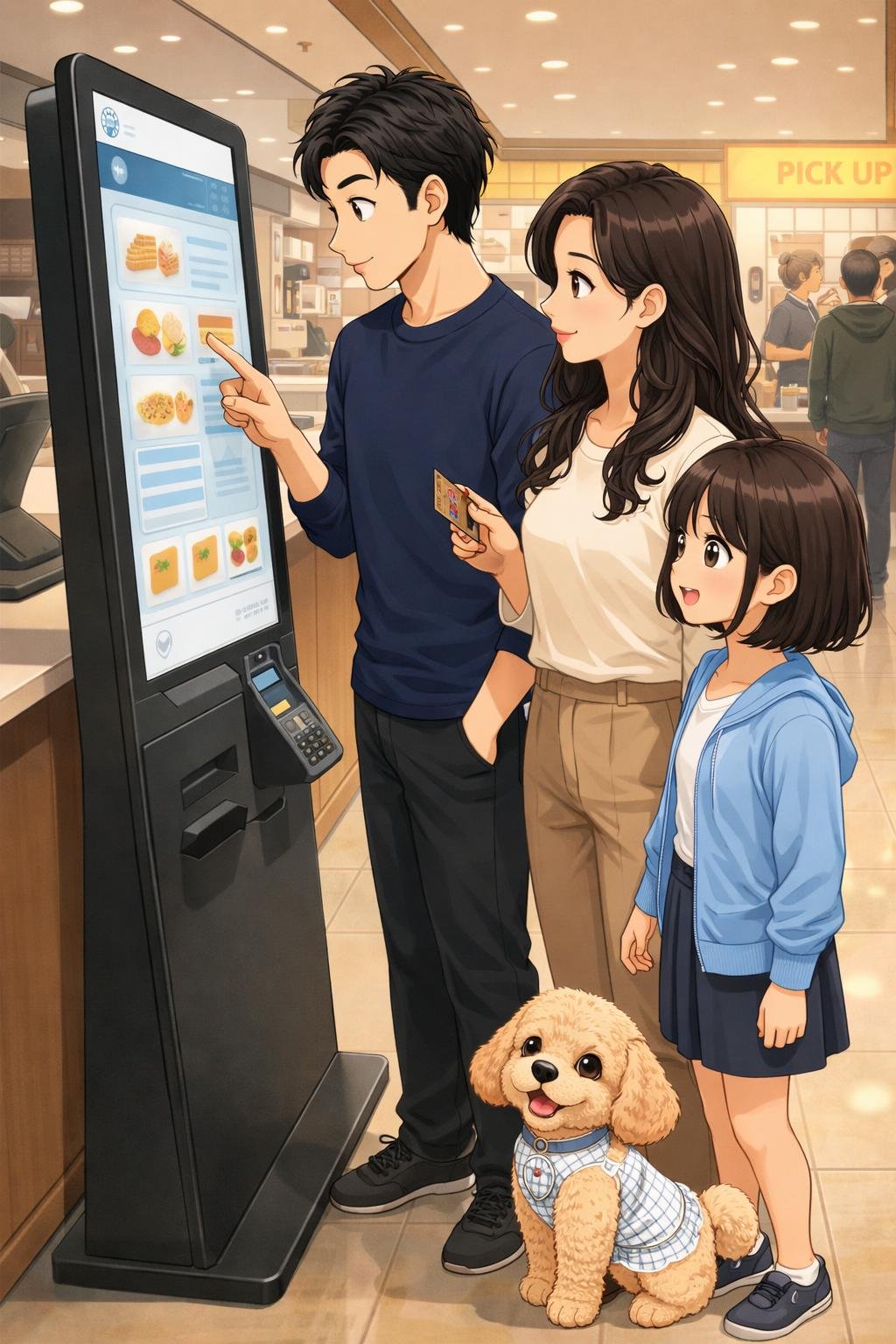
A self-service kiosk is a touchscreen or terminal that allows a customer to complete part of a transaction without giving every instruction directly to a staff member. An ordinary kiosk might display a menu, allow customization, show the total cost, accept payment, and provide an order number.
Not every kiosk performs the same function. A restaurant ordering machine is different from a ticket machine, check-in terminal, or airport tax refund kiosk. Before touching the screen, check the sign, location, and opening page to confirm that you are using the correct machine for your task.
Why Visitors Should Understand Korea’s Kiosks
Knowing the basic process can make it easier to order or pay when a venue offers self-service. It also helps visitors recognize when they need to select a language, confirm a quantity, choose an optional extra, or keep a ticket for pickup.
Not every Korean business uses a kiosk, and the presence of one does not guarantee an English interface, international card acceptance, cash support, or multilingual staff assistance. Understanding the general sequence is useful, but the instructions shown by the individual machine and venue should take priority.
What to Check Before Using a Kiosk
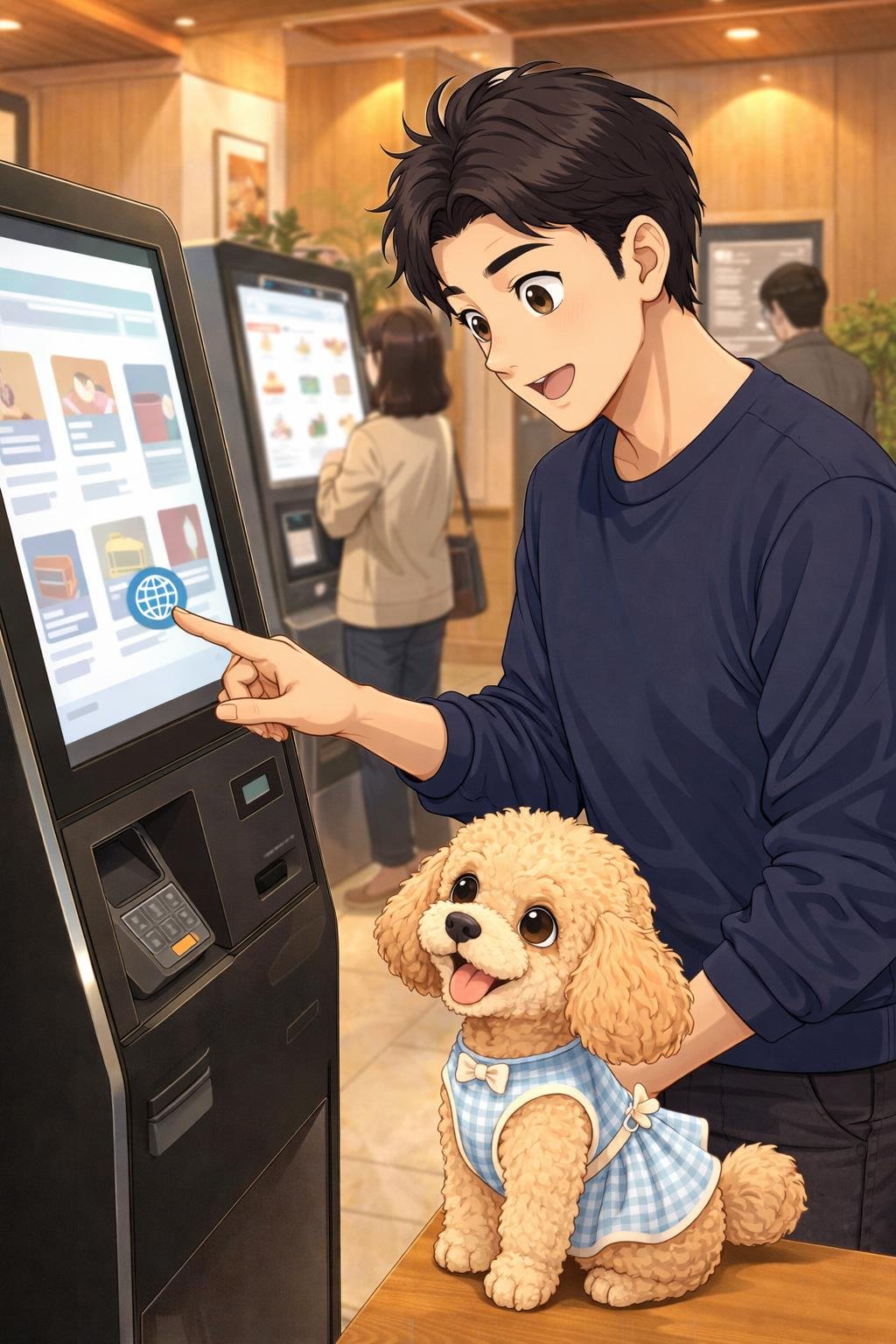
- Language: Look for a language button, globe symbol, or menu on the first screen. Available languages vary.
- Choices and costs: Review the displayed products, quantities, sizes, optional additions, and total price before continuing.
- Payment: Check any displayed card, cash, or mobile payment symbols. Do not assume that a foreign-issued card or a particular wallet will work.
- Required items: Keep the payment card, passport, receipt, booking information, or other document ready when the service requires it.
- Ingredients and dietary needs: Ask staff instead of relying only on photographs or translated item names when allergies, ingredients, or dietary restrictions matter.
- Accessibility and assistance: Ask the venue about accessible controls or staff support if the screen height, interface, audio, or transaction process creates a barrier.
Venue-specific conditions can change, so confirm important requirements on-site or through the relevant official source.
How to Use a Self-Service Kiosk Step by Step
- Identify the correct machine. Read nearby signs and inspect the opening screen to determine whether the kiosk handles ordering, tickets, check-in, payment, or another service.
- Look for language controls. Check the corners and top or bottom of the screen for a language name, flag, menu, or globe symbol.
- Select the service. Choose the correct transaction type, such as ordering for pickup, paying for an existing order, or buying a ticket.
- Review the available choices. Read the item name, description, image, price, size, and quantity where available.
- Choose the displayed options. A kiosk may ask about size, temperature, quantity, extras, packaging, or another venue-specific preference. Check whether each option changes the price.
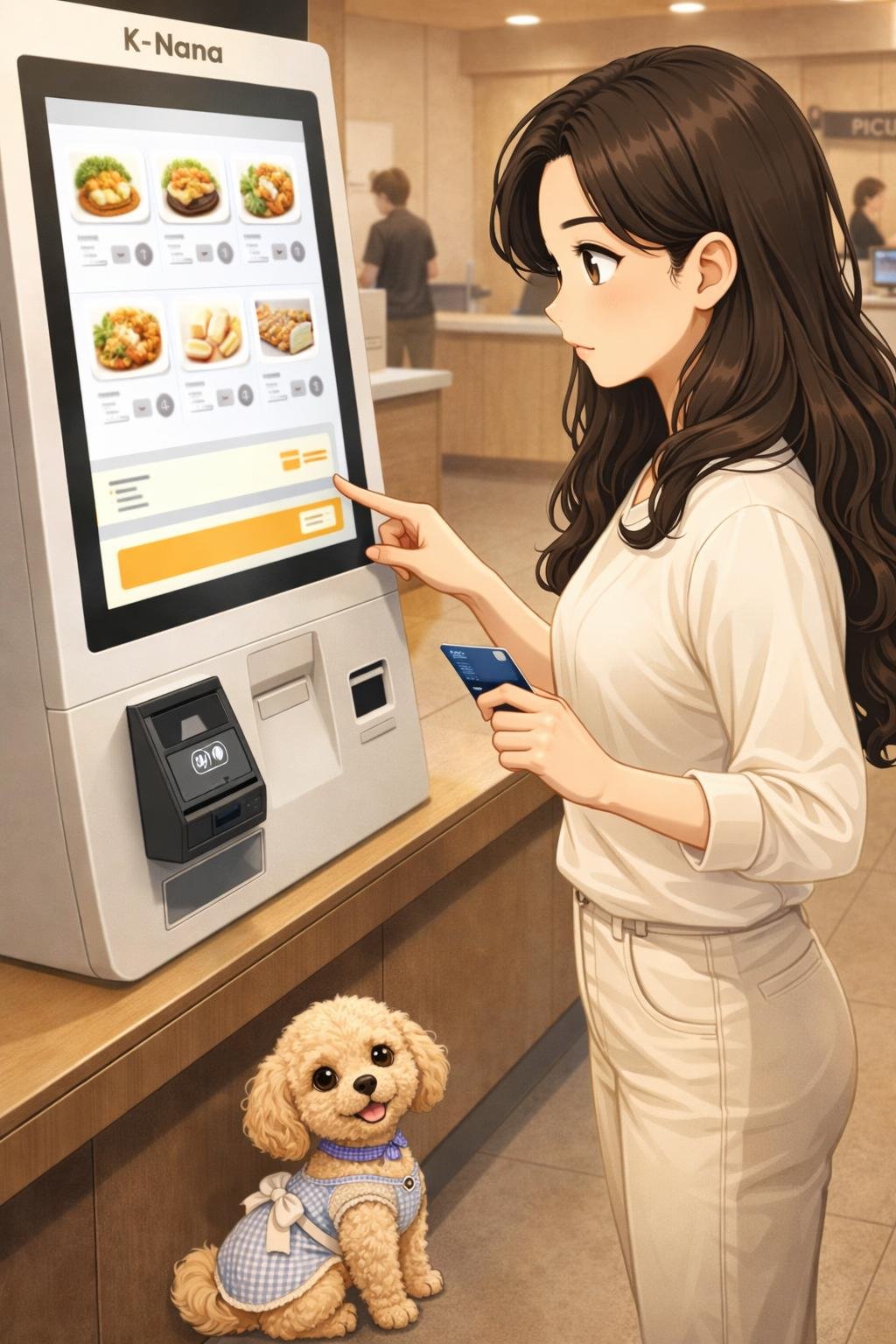
- Review the order and total. Remove unintended items, correct quantities, and inspect the final amount before selecting the payment button.
- Follow the payment instructions. Insert, tap, swipe, or present the payment method only as directed by the screen or terminal.
- Collect your belongings. Take back any card, passport, printed ticket, or receipt before leaving the machine.
- Find the confirmation information. Look for an order number, ticket number, confirmation screen, or printed receipt.
- Follow the pickup directions. Wait in the indicated area, move to the correct counter, or show the receipt if instructed.
The order of these screens, supported payment methods, and pickup process can differ by kiosk and venue.
What to Do When the Kiosk Is Not in English
First, examine the opening screen for a globe symbol, language abbreviation, flag, or settings menu. If no language option is visible, check whether returning to the home screen reveals additional controls.
Images and prices can help identify choices, but they should not be treated as complete ingredient or policy information. Match each image to its label and price carefully, and review the basket before paying.
A translation tool may help with general interface text when its use is appropriate and permitted. Avoid photographing other customers, payment details, or restricted screens while using it.
Do not guess when a selection involves allergens, ingredients, unexpected charges, age or participation restrictions, or another important condition. Ask a staff member to confirm the choice before payment.
Payment, Receipts, and Failed Transactions
Before paying, check the final total and the payment symbols displayed on the kiosk. Support for foreign-issued cards, cash, and mobile wallets varies, even when a similar payment method worked elsewhere.
Follow the prompt shown on the kiosk or separate card terminal. Wait for a clear approval, order number, printed receipt, or other confirmation before trying again.
If the result is unclear, avoid making repeated payment attempts. A delayed screen or failed receipt printer can make it difficult to tell whether a transaction was accepted. Ask staff to check the transaction or order status before presenting the payment method again.
Keep the receipt until the order or service is complete. It may contain the order number, item details, payment result, or information staff need to investigate a problem.
How Order Confirmation and Pickup Usually Work
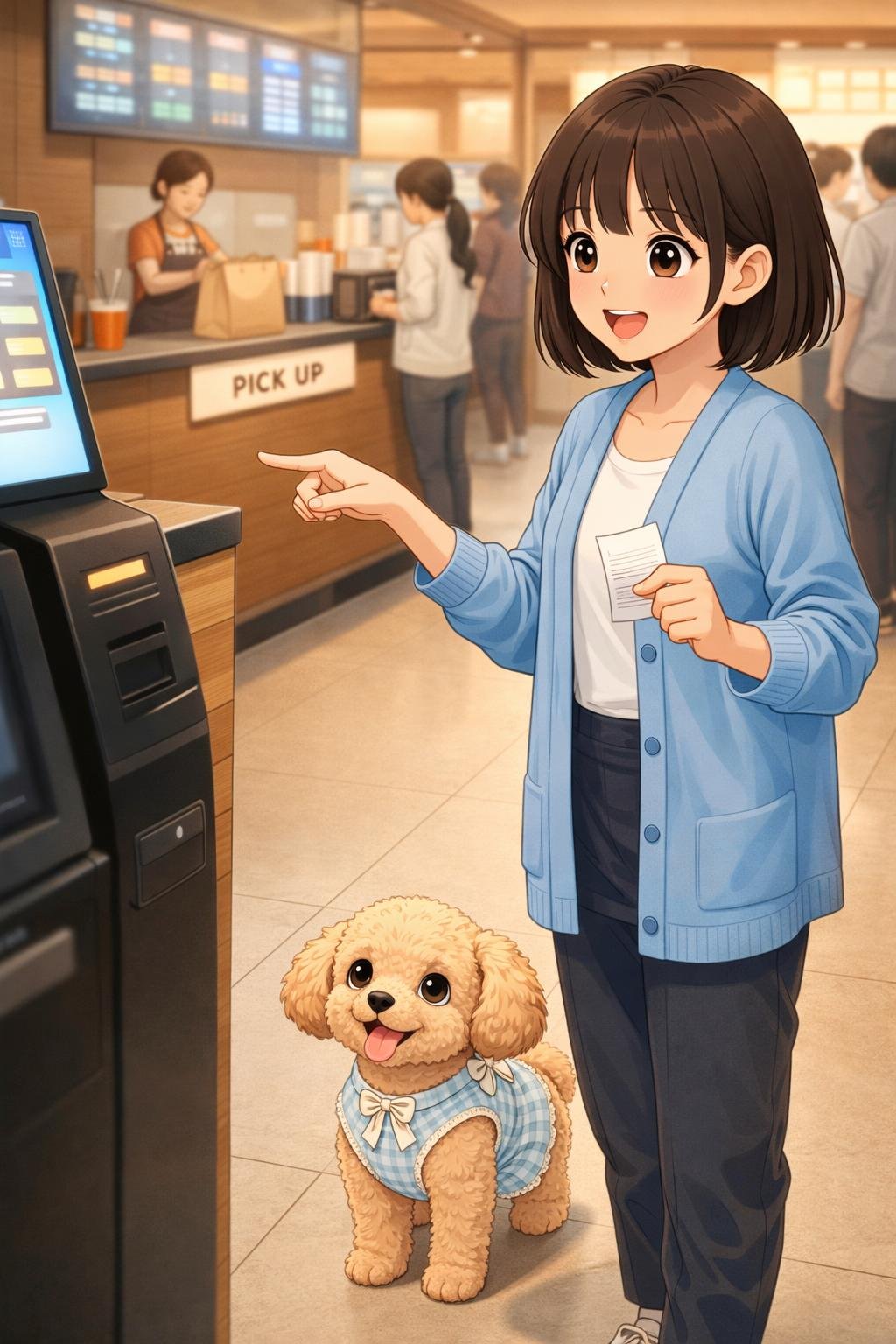
After payment, look for a number on the screen, receipt, or printed ticket. Some venues may display or call that number, while others may instruct customers to move directly to a counter.
Do not assume that payment means the item is ready. Check whether you need to wait nearby, watch a display, listen for an announcement, present a receipt, or collect the item from a designated location.
If no confirmation appears, remain close enough to request assistance without blocking the machine. Show staff the receipt or payment result if available and ask them to confirm whether the order was received.
Special Case: Airport Tax Refund Kiosks
An airport tax refund kiosk is a specialized machine and should not be treated like an ordinary restaurant or retail ordering terminal. VISITKOREA’s supplied guidance describes a departure process for eligible international visitors using VAT refund services.
- Obtain a boarding pass without checking the relevant baggage.
- Present the purchased goods and VAT refund receipts to customs for export approval.
- Check the baggage after completing the required customs step.
- Take the passport and receipts to a refund kiosk or counter.
Procedures may vary by terminal, and kiosk locations can change. Travelers should confirm the current sequence, eligibility conditions, required documents, and kiosk location with airport or port staff and the relevant official information before departure.
K-Nana Family Guide
Illustrative example: The following family scenes demonstrate practical decision-making. They are fictional examples, not verified reviews of a venue or kiosk.
Dad: Dad first reads the sign above the machine and checks the opening screen. He confirms that it is the correct ordering kiosk before looking for a language control and selecting a service.
Mom: Mom reviews the quantities, optional additions, and total cost. She checks the displayed payment conditions, asks staff about ingredients that are not clearly identified, and keeps the receipt after paying.
Daughter: Daughter watches for the confirmation number and checks where the order should be collected. She steps away from the kiosk after finishing so the next customer can use it without obstruction.
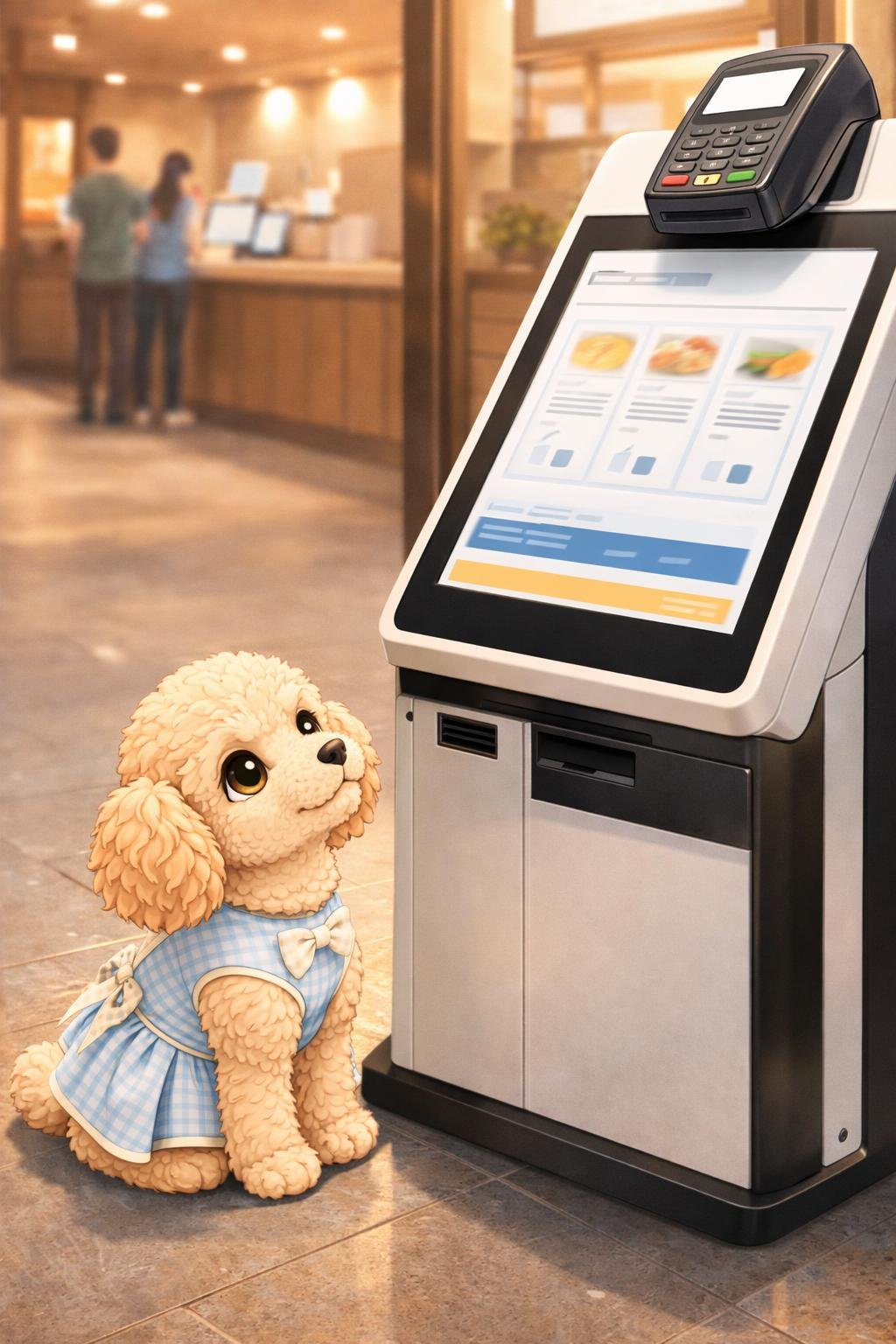
Nana: One last screen check before paying can prevent an unwanted extra.
Kiosk Etiquette, Cautions, and Common Mistakes
When possible, decide what you want before reaching the screen. This reduces delays, especially when other customers are waiting. If you need extended help, ask staff whether you should step aside while the issue is resolved.
Check quantities and optional add-ons carefully. A common practical mistake is advancing through the screens without noticing that an option changes the item or total price.
Do not abandon an uncertain transaction immediately. If the machine has taken payment or displayed an unclear result, ask staff to verify the status so that the order is not duplicated or left unclaimed.
Collect cards, documents, receipts, and personal belongings before moving away. Then follow staff directions and avoid standing directly in front of an active kiosk while waiting for pickup.
Venue rules, photography policies, accessibility features, and the availability of assistance vary. Follow posted instructions and ask permission before photographing a screen or service area when the policy is unclear.
Quick Kiosk Checklist
- Confirm that this is the correct kiosk.
- Look for an appropriate language option.
- Check item names, options, quantities, and prices.
- Review the total cost before paying.
- Confirm that the displayed payment method is compatible.
- Wait for a clear payment and order confirmation.
- Collect the card, receipt, documents, and other belongings.
- Find the order or ticket number.
- Follow the venue’s pickup or next-step instructions.
- Ask staff if the transaction result is unclear.
Frequently Asked Questions
Do all kiosks in Korea have an English option?
No universal language option should be assumed. Check the opening screen for a language control, and ask staff for assistance if the available interface is not usable for you.
Will my foreign card work?
Foreign-card acceptance varies by kiosk, payment processor, card, and venue. Check the displayed payment information and keep an alternative payment method when practical, but do not assume that any specific alternative will be accepted.
Can I pay with cash?
Some machines may support cash, while others may not. Use only the methods displayed by the kiosk or confirmed by staff.
What should I do if payment fails?
Read the error message, remove or collect the card if instructed, and ask staff about accepted payment options. If the outcome is uncertain, have staff check whether a transaction or order was recorded before attempting payment again.
Can I correct an order after paying?
Correction and cancellation policies vary. Take the receipt to staff as soon as possible and ask whether a change can be made. Do not assume that every completed kiosk order can be edited or refunded.
How can I get help?
Look for a help button, call button, service counter, or staff member. Showing the current screen without exposing sensitive payment information can make the problem easier to explain.
How do I check ingredients or dietary requirements?
Do not rely only on a product photograph, icon, or automatic translation. Ask staff to confirm ingredients, preparation conditions, and possible substitutions when allergies or dietary needs are important.
What if I lose the receipt?
Speak to staff and provide any order number or transaction details still available. Whether the order can be found without a receipt depends on the venue’s system.
Where can I find my pickup number?
Check the confirmation screen, printed receipt, or ticket. If no number appears, look for venue-specific directions or ask whether you should wait at or approach a counter.
How is an airport tax refund kiosk different?
It handles a specialized refund process rather than an ordinary purchase order. The supplied VISITKOREA guidance includes steps involving a boarding pass, purchased goods, VAT refund receipts, customs export approval, baggage, a passport, and a refund kiosk or counter. Confirm current eligibility, procedures, and locations through official information and on-site staff.
Final Takeaway
To use a self-service kiosk confidently, first identify the correct machine, check its language and payment options, and review every item, quantity, addition, and charge before paying. Keep the receipt or confirmation number, collect your belongings, and follow the venue’s pickup directions.
Interfaces and conditions differ, so do not guess when payment, ingredients, restrictions, or confirmation details are unclear. Asking staff and checking current official information is safer than repeating an uncertain transaction.
References
The following supplied VISITKOREA sources support the airport tax refund kiosk guidance:
- Duty Free & Tax Refunds- VISITKOREA: https://english.visitkorea.or.kr/svc/contents/contentsView.do?menuSn=456&vcontsId=140736
- Duty Free & Tax Refunds- VISITKOREA: https://english.visitkorea.or.kr/svc/contents/contentsView.do?vcontsId=140736
Image Credits
Images in this article are K-Nana Studio original educational illustrations. They are provided for visual guidance and may be AI-generated. They do not represent verified photographs of actual venues, facilities, products, or operating conditions.
Disclaimer
This article is provided for general travel, cultural, and educational information. Prices, opening hours, reservations, ingredients, payment methods, participation requirements, house rules, accessibility, photography rules, access conditions, and venue policies may vary or change. Confirm important current information with the relevant official source or venue before visiting or completing a transaction.
AI-generated images are illustrative visual aids and may not exactly represent real venues, products, facilities, or visitor conditions. Nana is a K-Nana Studio family mascot, and her appearance in an illustrative scene does not imply that pets are permitted at the real location or activity.