
Getting Connected During Your Korea Trip
Learning how to get mobile data in Korea before arrival can make a first trip easier to manage. A reliable connection helps with navigation, translation, transportation information, accommodation messages, and other everyday travel tasks.
International visitors can use international roaming, a prepaid physical USIM card, an eSIM, a pocket Wi-Fi device, or available public Wi-Fi. Each option has different compatibility requirements, setup steps, and plan conditions, so it is useful to choose a preferred method before departure or shortly after arriving in Korea.
Mobile Data Options in Korea Explained

International roaming
Roaming uses your existing mobile account while you are in Korea. It can be convenient because you usually keep your regular SIM and phone number, but charges, data limits, and activation requirements depend on your home carrier. Check the current roaming terms directly with that carrier before traveling.
Prepaid physical USIM cards
A prepaid USIM is a physical card inserted into a compatible phone. In Korea, visitor information commonly uses the term “USIM” for this type of SIM card. Depending on the selected plan, it may provide mobile data, a local mobile number, or both. Unlimited-data plans may be available, but not every product includes the same features.
eSIMs
An eSIM is a digital SIM profile installed without replacing a physical card. A provider generally supplies a QR code or other activation instructions after purchase. The phone must support eSIM technology and meet the provider’s compatibility requirements.
Pocket Wi-Fi or Wi-Fi egg rentals
A pocket Wi-Fi device, sometimes called a Wi-Fi egg, creates a portable Wi-Fi connection for nearby devices. This can be useful for a group or for someone carrying several devices. Visitors should consider the rental period, pickup and return arrangements, battery charging, device limits, and current provider terms.
Free public Wi-Fi
Free Wi-Fi is available in many airports, subway and train stations, major-city transit areas, cafés, restaurants, accommodations, and some bus stops. It can reduce mobile data use, but availability and connection quality are not consistent everywhere. Public Wi-Fi is therefore better treated as a useful supplement than an assumed nationwide connection.
Why Visitors May Want Their Own Mobile Data
Having independent mobile data means that a visitor does not need to find a café, station, or other Wi-Fi location whenever directions or information are needed. This can be particularly helpful while moving between destinations, communicating with an accommodation, or checking a route away from a major transit area.
Public Wi-Fi is common in many Korean airports and urban public areas, as well as in cafés, restaurants, and accommodations. However, coverage can be unreliable in some regions. The usefulness of public Wi-Fi will depend on the travel route, the places visited, and the visitor’s tolerance for interrupted access.
A personal connection is not automatically the best choice for every traveler. Someone staying mainly in connected urban areas may use public Wi-Fi more often, while a traveler changing cities or visiting less-connected locations may prefer a dedicated data plan.
What to Check Before Choosing a SIM, eSIM, or Pocket Wi-Fi
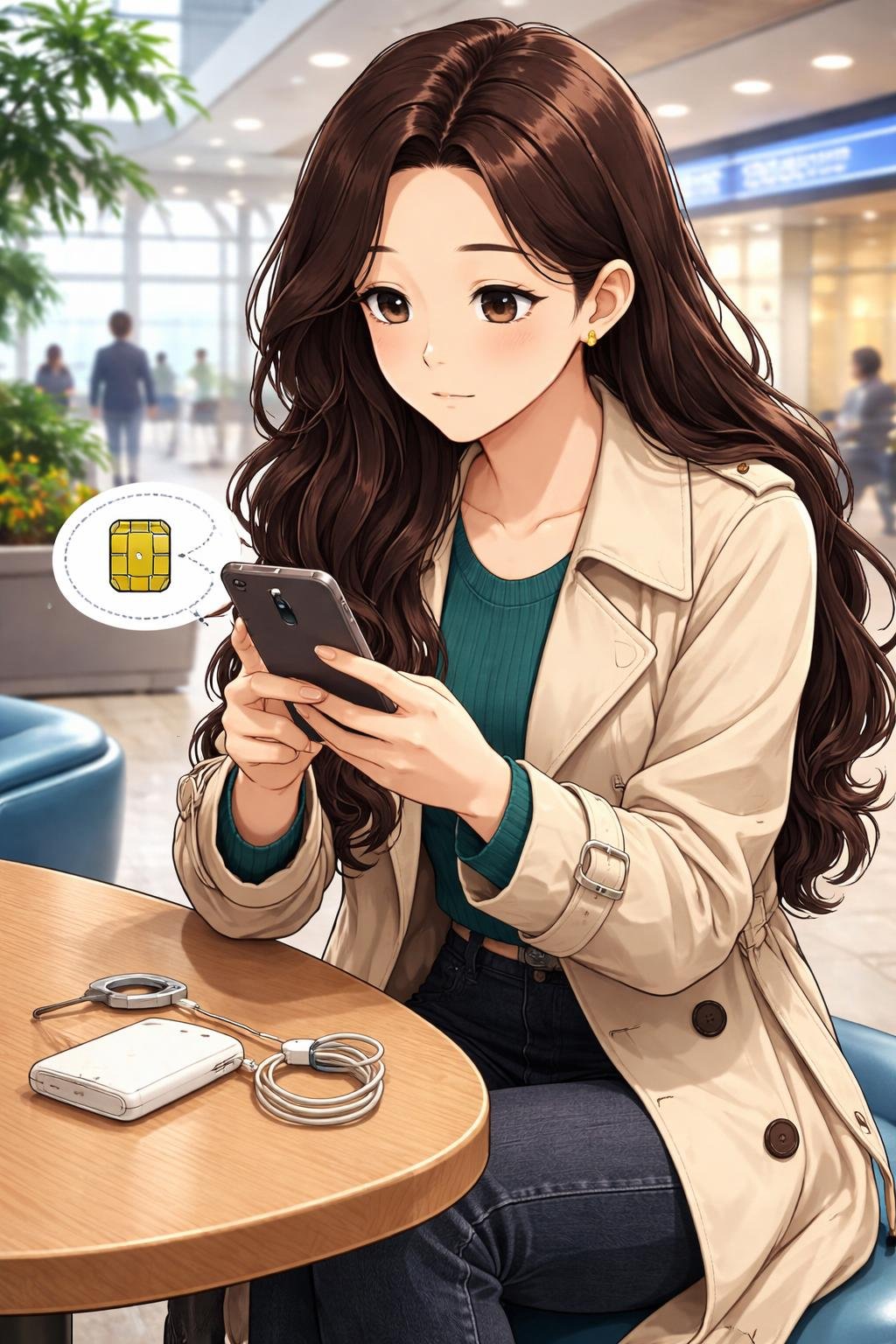
Device compatibility
Confirm that the phone supports the selected physical USIM or eSIM service. For an eSIM, check both the device model and the provider’s compatibility information before paying. If using a physical USIM, also check whether changing the current SIM will affect access to the traveler’s usual number or messages.
Destinations and expected coverage
Consider the complete route rather than only the arrival airport or first hotel. A plan based entirely on public Wi-Fi may be less practical if the trip includes areas where connections are limited or inconsistent.
Need for a local mobile number
Some prepaid plans include a Korean mobile number, while others focus on data. A local number should not be assumed merely because a product is called a SIM or eSIM. Check whether the plan supports the type of calls, texts, or other functions needed.
Plan features and current terms
Compare data allowances, any stated usage limits, validity period, activation deadline, and included communication features. For a pocket Wi-Fi rental, check the pickup location, return process, battery expectations, and any provider conditions concerning loss or damage.
Prices, payment methods, availability, and plan terms can change. Confirm current information with the provider rather than relying on an old comparison or an example from another traveler.
Purchase and pickup arrangements
Physical USIM cards may be ordered online for airport pickup. According to the supplied VISITKOREA guidance, roaming centers at Incheon, Gimpo, Gimhae, and Jeju international airports may handle roaming services, prepaid USIM sales, and pickup of preordered cards.
Select CU, GS25, 7-Eleven, and Emart24 stores may also sell prepaid USIM cards, but stock varies. Do not plan around a specific convenience store without checking availability or having a backup option.
Before purchasing, verify current ordering, pickup, payment, identification, activation, and availability conditions through the official provider. These operational details are time-sensitive and may differ among products and sales channels.
How to Get Mobile Data in Korea Step by Step

- Assess your route and connection needs. List the cities or regions you expect to visit, the number of devices that need access, the length of the trip, and whether you need a Korean mobile number.
- Compare the main options. Consider home-carrier roaming, a prepaid physical USIM, an eSIM, and a Wi-Fi egg. Roaming avoids changing SIMs, an eSIM avoids handling a physical card, a USIM can offer a straightforward phone-based connection, and pocket Wi-Fi can serve multiple devices.
- Confirm compatibility. Check the exact phone model and the provider’s requirements. Complete this step before buying an eSIM or physical USIM.
- Choose a purchase channel. Depending on the product, purchase online, visit an appropriate airport roaming center, or look for a participating convenience store. VISITKOREA identifies roaming centers at Incheon, Gimpo, Gimhae, and Jeju international airports, but current hours, services, and stock should be confirmed.
- Collect and keep the provider’s instructions. Save order confirmations, pickup details, activation directions, and customer-support information somewhere accessible even without mobile data.
- Install or connect the service. Insert a physical USIM as directed, connect devices to a rented Wi-Fi egg, or follow the roaming activation process supplied by the carrier.
- Scan the supplied QR code for an eSIM. Use the compatible phone’s eSIM setup menu and follow the provider’s instructions. Do not discard the instructions until installation and activation are complete.
- Confirm that the connection works. Check that mobile data or pocket Wi-Fi is active, open a webpage or map, and confirm whether the expected phone-number features are available. If the connection fails, follow the provider’s troubleshooting steps rather than repeatedly changing unfamiliar settings.
K-Nana Experience Guide
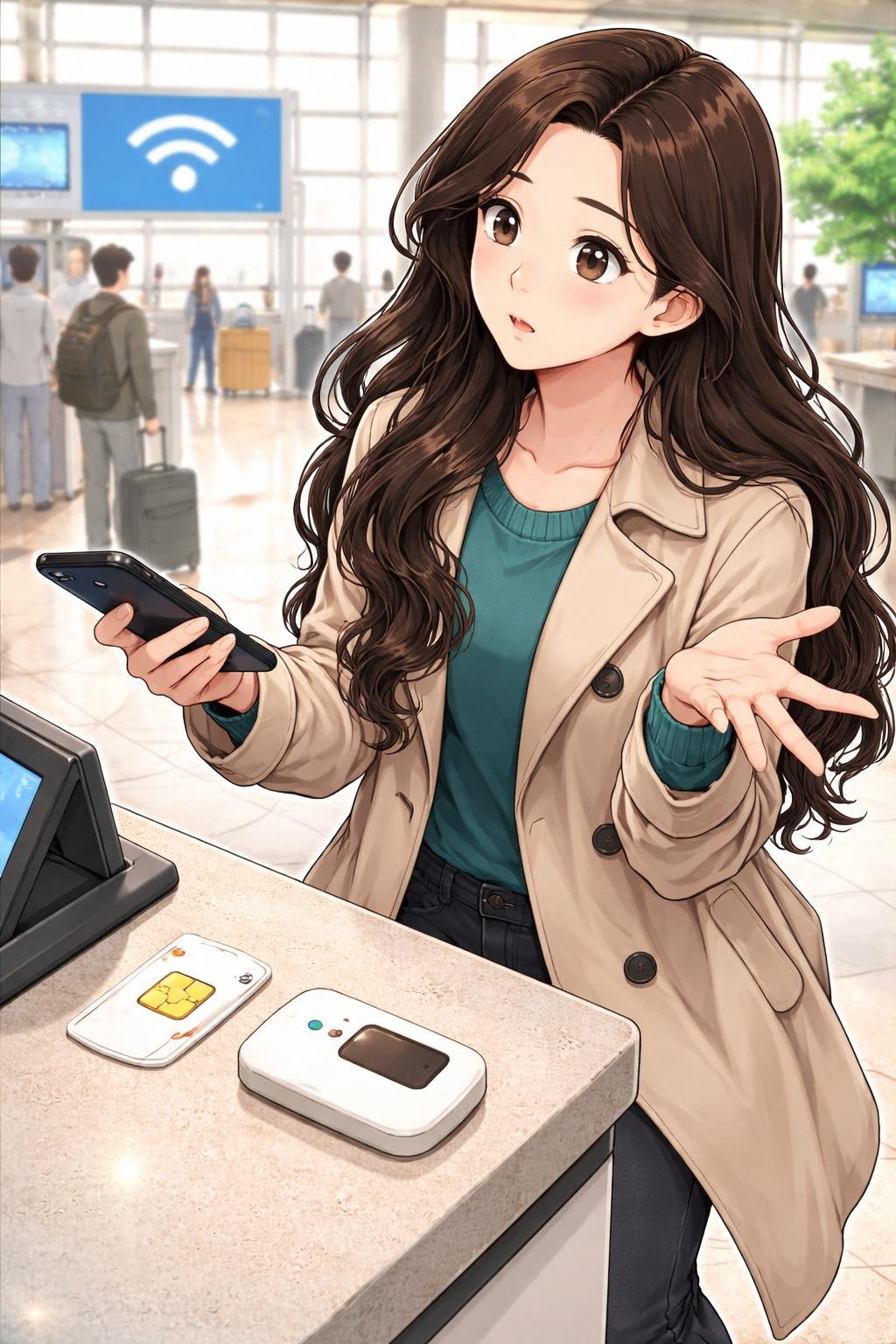
Fictional educational example: The following Mom and Dad scenes explain the process for first-time visitors. They are instructional examples, not personal experiences or verified customer reviews.
1. Mom and Dad introduce the options
Mom and Dad begin by separating the choices into roaming, physical USIM, eSIM, pocket Wi-Fi, and public Wi-Fi. Mom notes that the best choice depends on the visitor’s phone, route, budget, and need for a local number. Dad suggests choosing a preferred option and one backup before departure.
2. Mom explains preparation and starting checks
Mom checks device compatibility before considering payment. She also reviews current plan terms, airport pickup arrangements, and whether the product supplies data only or includes a local number. For comfort and cost awareness, she saves important purchase instructions offline and avoids depending completely on public Wi-Fi.
3. Dad demonstrates the setup sequence
Dad chooses an appropriate purchase channel, such as an official online provider, an airport service point, or a participating convenience store where stock is available. He then follows the provider’s instructions in order. For an eSIM, that includes scanning the supplied QR code on a compatible phone; for a physical USIM or Wi-Fi egg, it means following the relevant installation or connection directions.
4. Mom reviews the main connectivity considerations
Mom explains that convenience must be balanced with compatibility and current conditions. Public Wi-Fi may be useful in airports, stations, restaurants, cafés, and accommodations, but it may not cover every part of the route. She also reminds visitors not to assume that a familiar payment method will be accepted without checking.
5. Dad gives the final connection reminder
Dad tests the connection before leaving the purchase or pickup area when practical. He opens a map or webpage, confirms which SIM or eSIM is providing data, and keeps the provider’s support instructions. His final reminder is to verify current availability and activation requirements instead of treating one setup method as universal.
Common Mistakes and Important Cautions
- Assuming every convenience store has a USIM in stock: Only select stores may carry prepaid products, and stock can vary by location.
- Buying an eSIM before checking the phone: Not every device supports eSIM installation, and provider compatibility can differ.
- Assuming every SIM includes a local number: Some products provide data only. Confirm the included features before purchase.
- Relying exclusively on public Wi-Fi: Free connections are common in many public and commercial areas, but access may be unreliable in some regions.
- Treating quoted prices or availability as fixed: Provider prices, plan terms, pickup services, stock, payment methods, and operating conditions can change.
- Ignoring activation instructions: The correct settings and installation sequence depend on the carrier, provider, device, and product.
- Forgetting pocket Wi-Fi logistics: A rental device may need regular charging and return at a specified place or time under provider-specific conditions.
These are general precautions rather than universal provider rules. Check current official information whenever compatibility, payment, pickup, availability, or activation conditions could affect the trip.
Mobile Data Setup Checklist
- Confirm the exact phone model and physical USIM or eSIM compatibility.
- Review the destinations and likely public Wi-Fi coverage.
- Choose between roaming, physical USIM, eSIM, and pocket Wi-Fi.
- Decide whether a Korean mobile number is needed.
- Check current price, validity, data features, and plan terms.
- Confirm online order, airport pickup, or retail purchase details.
- Save the provider’s activation and support instructions offline.
- Test the connection after activation.
- Keep available public Wi-Fi as a backup rather than assuming it will always be accessible.
Frequently Asked Questions

Can travelers buy a SIM at a Korean airport?
Prepaid physical USIMs may be sold or collected at airport roaming centers. The supplied VISITKOREA guidance identifies roaming centers at Incheon, Gimpo, Gimhae, and Jeju international airports. Confirm current hours, provider services, payment conditions, and stock before relying on airport purchase or pickup.
Do Korean convenience stores sell prepaid USIM cards?
Select CU, GS25, 7-Eleven, and Emart24 stores may carry prepaid USIM cards. Stock varies, so not every branch should be expected to have the required product.
How is an eSIM activated?
An eSIM can generally be purchased online and installed by scanning a QR code supplied by the provider. The phone must be compatible, and the provider’s installation and activation instructions should be followed exactly.
Is free public Wi-Fi sufficient for a Korea trip?
It may cover some needs in connected areas such as airports, major-city transit locations, cafés, restaurants, and accommodations. However, availability can be unreliable in some regions. Visitors who need regular navigation or communication may prefer an independent connection.
Does every Korean travel SIM include a Korean phone number?
No. Features depend on the selected product. Some plans may include a local mobile number, while others provide mobile data without the same calling or messaging functions.
How should I choose between roaming, a SIM, an eSIM, and pocket Wi-Fi?
Choose according to device compatibility, route, number of connected devices, need for a local number, desired setup convenience, and willingness to carry and charge another device. Compare current provider terms rather than selecting only by product name.
Final Takeaway
The main factors in choosing how to get mobile data in Korea are device compatibility, destination, convenience, the need for a Korean mobile number, and how much the trip can depend on public Wi-Fi. Roaming, physical USIMs, eSIMs, and pocket Wi-Fi devices can each suit different travel arrangements.
Before purchasing, verify current plans, prices, availability, payment conditions, pickup arrangements, and activation requirements with the official provider. Keep setup instructions accessible and test the connection once it has been activated.
References
- Electricity & Communications- VISITKOREA — https://english.visitkorea.or.kr/svc/contents/contentsView.do?menuSn=375&vcontsId=140041
- Money-saving Tips- VISITKOREA — https://english.visitkorea.or.kr/svc/contents/infoBscView.do?vcontsId=140638
Image Credits
Images in this article are K-Nana Studio original educational illustrations. They are provided for visual guidance and may be AI-generated. They do not represent verified photographs of actual venues, facilities, products, or operating conditions.
- Mom and Dad introduce the mobile data experience.
- Mom explains preparation and starting checks.
- Dad demonstrates how the mobile data setup works.
- Mom explains the core connectivity options and considerations.
- Dad gives the final practical reminder.
Disclaimer
This article provides general travel, cultural, and educational information. Prices, opening hours, reservations, ingredients, payment methods, participation requirements, house rules, accessibility, photography rules, access conditions, and venue or provider policies may vary or change. Confirm important current information with the relevant official source, provider, or venue before visiting or purchasing.
AI-generated illustrations are educational visual aids and may not exactly represent real venues, products, facilities, or visitor conditions.